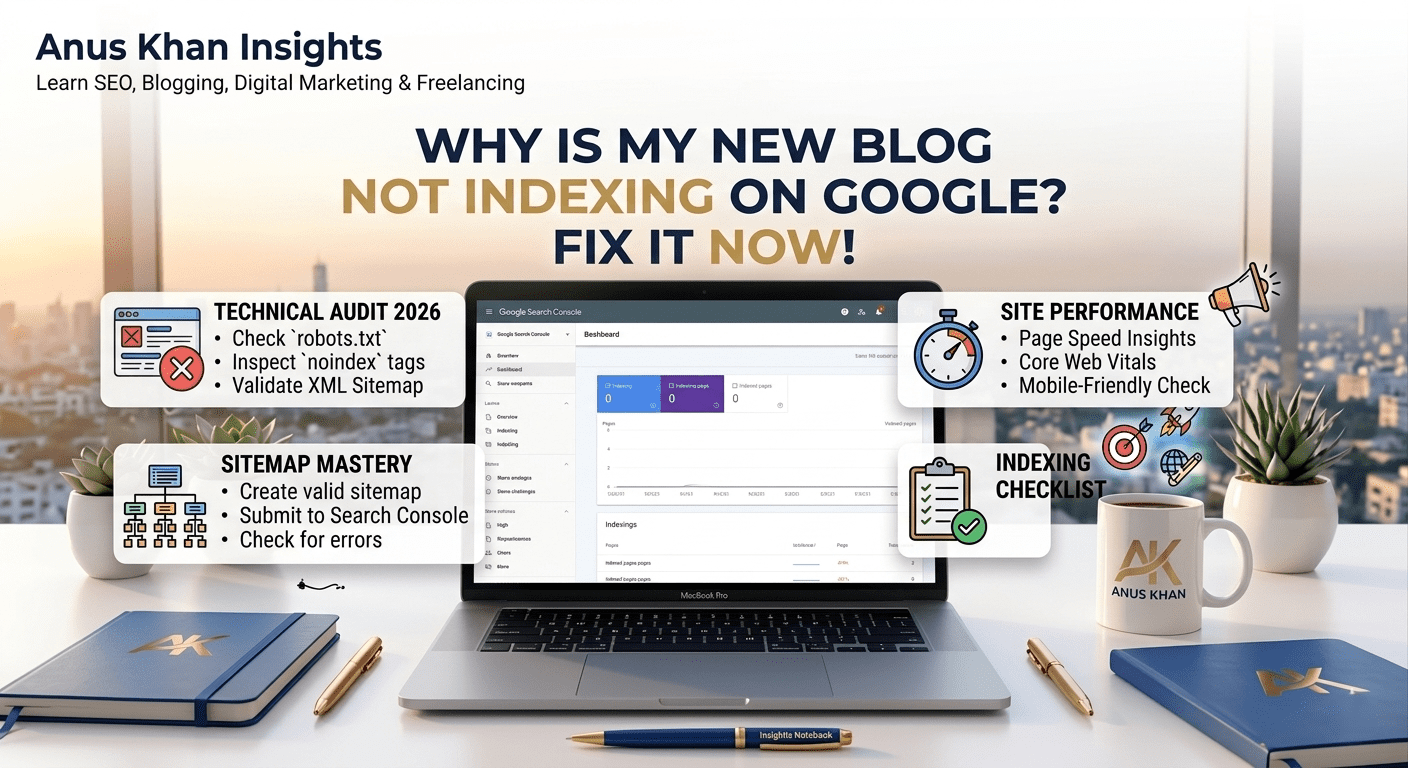
Imagine this scenario: You spent hours researching a killer topic, wrote a brilliant article, carefully formatted it, and hit that publish button. A day passes, then two days, then a whole week.
You excitedly open up Google, type the exact title of your article into the search bar, hit enter, and… nothing. Your website is completely invisible. It feels as if your blog doesn’t even exist on the internet.
Naturally, panic sets in. You start wondering, “Did I do something wrong? Is Google punishing my website? Why is my site not on Google?”
First of all, take a deep breath. At Anus Khan Insights, we want to reassure you that this is the absolute most common issue faced by almost every single beginner blogger. It does not mean your blogging journey is over, and it certainly does not mean your site is banned. It simply means your site is hit by an indexing delay or a minor technical configuration error.
In this comprehensive, step-by-step masterclass, we will pull back the curtain on how Google’s discovery system works. We will analyze the top reasons behind a new blog not indexing on Google and show you the exact free methods to fix it instantly.
Let’s solve this mystery together!
The Golden Rule: Understanding Crawling vs. Indexing
Before we dive into the solutions, you need to understand the basic mechanics of how Google finds your work. Many beginners confuse “publishing” an article with “indexing” it. They are two entirely separate events.
To understand this effortlessly, let’s bring back our favorite Library Analogy.
Think of the entire internet as a massive, ever-expanding global printing press, and think of Google as the world’s largest public library.
Publishing is when you print your book and leave it sitting on your home office desk.
Crawling is when Google’s scout (an automated bot called a crawler) walks past your desk, spots your book, and flips through the pages to see what it’s about.
Indexing is when that scout takes your book, carries it back to the library, catalogs it properly, and places it neatly on a public shelf.
If your book is not indexed, library visitors cannot find it, no matter how beautifully it is written. Your primary goal as a blogger is to make it incredibly easy for Google’s scouts to find your book, carry it to the library, and drop it on the right shelf.
5 Shocking Reasons Your New Blog is Not Showing Up on Google
If your website isn’t showing up in search results, it usually boils down to one of these five common issues. Let’s look at them directly so you can diagnose your site immediately.
1. Your Website is Too Brand New (The Trust Factor)
If your domain name is less than a few weeks or months old, Google simply doesn’t know you well enough yet. Google processes billions of new pages daily and prioritizes older, established domains that have already proven their value. New sites are placed in what the industry calls the Google Sandbox effect, where the search engine monitors your consistency before giving you automatic indexing privileges.
2. You Haven’t Submitted a Sitemap
A sitemap is literally a map of your website. It is a clean, organized list of all your URLs that tells Google exactly where your articles reside. If you don’t submit this map to Google, the automated bots have to discover your site randomly by following links from other websites. For a brand new blog with zero backlinks, that random discovery can take weeks.
3. The “Search Engine Visibility” Box is Checked (WordPress Trap)
This is a classic technical slip-up that catches thousands of beginners. Inside the backend settings of WordPress, there is a tiny checkbox that says “Discourage search engines from indexing this site.” Bloggers often check this box while building their site so the public doesn’t see an incomplete design, but then they completely forget to uncheck it when they launch.
4. Your Site Lacks Internal Linking Structure
Google’s bots navigate the web by jumping from one hyperlink to another. If you publish a new blog post but never link to it from your homepage, category pages, or older articles, the post becomes an “orphan page.” Because there are no pathways leading to it, the crawler bots can easily miss it during their routine scans.
5. Low-Value or Highly Duplicate Content
Google’s ultimate goal in 2026 is to protect user experience. If your blog consists of heavily rewritten AI text, articles that completely copy someone else’s structural layout, or short 300-word posts with zero unique insight, Google’s algorithm will deliberately refuse to index them. Google does not want to waste its valuable server space storing unhelpful content.
Step-by-Step Google Search Console Indexing Fix
Now that you know the underlying causes, let’s talk about action. You do not need a developer or premium software to resolve this. Here is the exact blueprint to implement a google search console indexing fix for free:
Step 1: Run the site: Search Command
Go to Google and type site:yourwebsite.com into the search bar (replace this with your actual domain URL) and press enter.
If you see your homepage pop up, congratulations! Your site is crawled, and Google knows you exist.
If you see a screen that says “Did not match any documents,” your entire site is completely unindexed.
Step 2: Uncheck the NoIndex Block
If you are on WordPress, go to your dashboard, navigate to Settings > Reading. Scroll down to the very bottom and look for Search Engine Visibility. Ensure that the box next to “Discourage search engines from indexing this site” is completely unchecked, and click save.
Step 3: Connect and Submit Your Sitemap
Go to the free Google Search Console dashboard. On the left-hand menu, look under the “Indexing” tab and click on Sitemaps.
If you use RankMath, your sitemap URL is usually
sitemap_index.xml.If you are using a free Blogspot site, your sitemap is simply
sitemap.xml.Type this code into the “Add a new sitemap” bar and hit submit. You should see a green message saying “Success.”
Step 4: Manually Request URL Inspection
If your site is indexed but a specific new article is missing, paste that exact article URL into the top search bar of Google Search Console. The tool will analyze the link and likely say “URL is not on Google.” Simply click the button on the right that says “Request Indexing.” This pushes your URL straight to the front of Google’s crawling queue.
Indexing Diagnostic Quick-Reference Table
| Diagnostic Message | What It Truly Means | How to Fix It Fast |
| URL is not on Google | Google hasn’t discovered or cataloged this specific page yet. | Click “Request Indexing” manually in Search Console. |
| Discovered – currently not indexed | Google found your page but decided to come back and read it later. | Improve content depth; add internal links from your homepage. |
| Crawled – currently not indexed | Google read your page completely but chose not to show it to searchers. | Ensure content is 100% original, long-form, and not duplicate AI text. |
| Excluded by ‘noindex’ tag | Your website settings are actively blocking Google bots from reading your site. | Go to settings and turn off the search engine discouragement box. |
How to Index Website Fast: 3 Pro Tips for 2026
If you want to speed up this entire process and force search engines to index your content within hours instead of weeks, use these highly effective tactics:
1. Share Your Link on Social Media Platforms
Google’s bots live on highly active websites like Twitter (X), LinkedIn, and Facebook. The moment you publish a new article, post the link on your active social channels. When Google’s bots crawl those high-authority social feeds, they will discover your link and follow it directly back to your blog.
2. Practice Active Internal Linking
Whenever you publish a brand new article, go back to 2 or 3 of your older, already indexed blog posts. Find a relevant sentence, and insert a hyperlink pointing directly to your new post. This creates an immediate open highway for the crawler bots to find your new page.
3. Set Up a Consistent Publishing Schedule
Google’s bots learn your website’s patterns. If you publish randomly once every three weeks, the bots will visit your site rarely. But if you publish every Tuesday and Thursday at a specific time, the bots adapt to your calendar and will regularly visit your site looking for fresh content.
Final Thoughts
At the end of the day, waiting for your new blog to appear on Google can feel incredibly frustrating. But remember, patience and correct optimization are the twin foundations of digital marketing. By verifying your settings, submitting a proper sitemap, and manually requesting inspections when necessary, you can easily ensure your site gets cataloged correctly.
Let’s do a quick recap of our diagnostic action plan:
Indexing means your website is safely stored on Google’s public library shelves.
Check your WordPress reading settings to ensure search engine visibility is fully active.
Use Google Search Console to submit your sitemap index regularly.
Create internal links from older, high-performing content to guide crawler bots to new pages.
Focus heavily on human-first content value so Google never labels your page as low value.
At Anus Khan Insights, we are dedicated to simplifying the technical side of web growth. Keep writing, stay consistent, follow the steps layout above, and watch your positions grow!
Written by Muhammad Anus Khan — Digital Strategist, SEO Expert & Founder of Anus Khan Insights
Category: SEO | Reading Time: 8 Minutes | Level: Beginner
Next Read: How to Get Digital Marketing Clients With No Experience — Coming Tomorrow on Anus Khan Insights!

Leave a Reply